
ARVR Guide is reader-supported. When you buy through links on our site, we may earn an affiliate commission.
Every hobby has its own words and VR has more than most. Half the confusion new players hit is not the headset, it is the vocabulary. This glossary covers the VR terms beginners actually run into, in plain English, with none of the jargon left unexplained. Bookmark it and come back whenever a review throws a word at you.
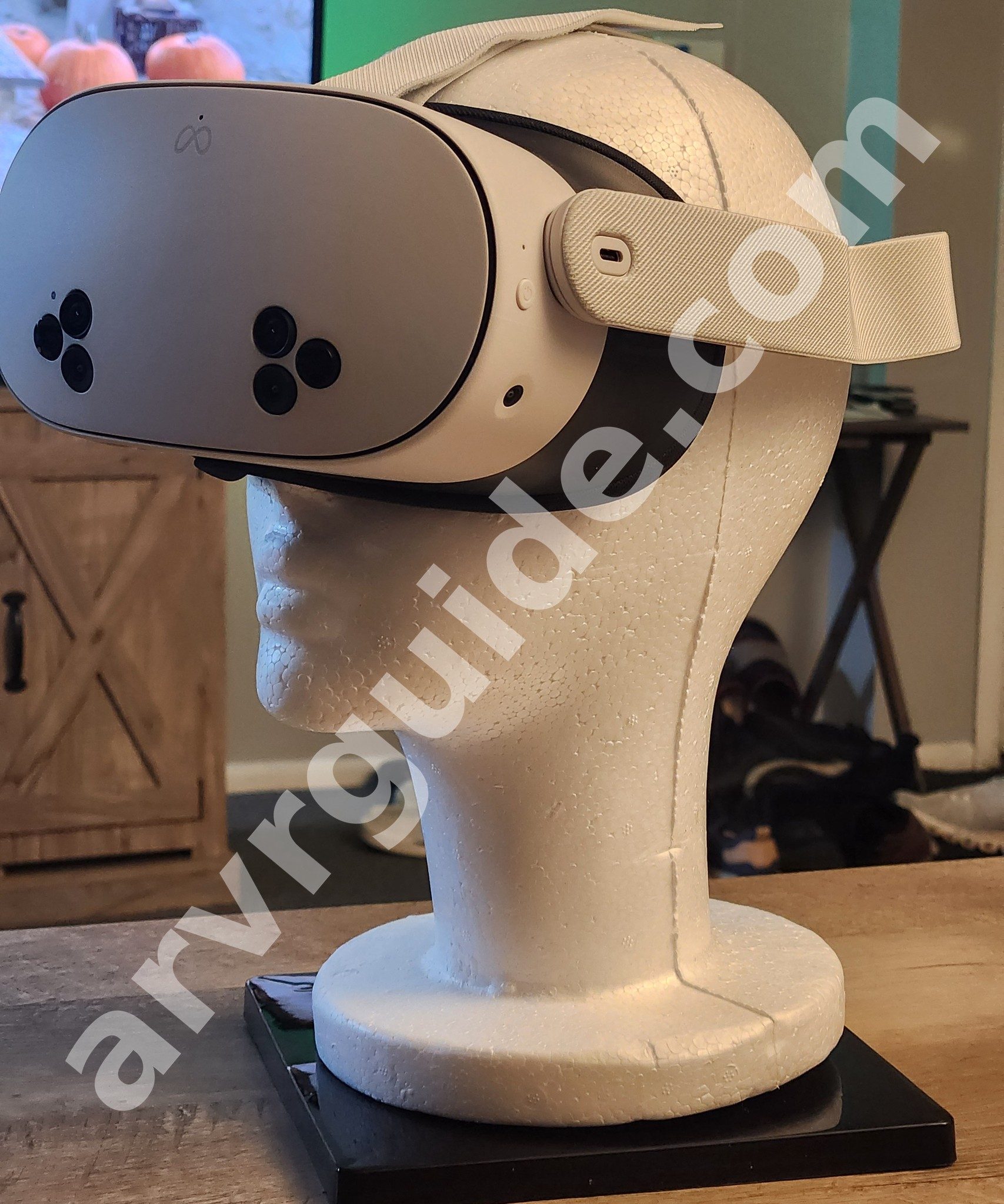
The Words for VR Itself
VR (virtual reality): the headset replaces what you see and hear with a computer-made world, and you are inside the game instead of looking at it on a screen. Here is the plain-English version of how that works.
AR, MR and XR: augmented reality layers digital stuff on top of the real world, mixed reality does that but lets the digital objects react to your room, and XR (extended reality) is the umbrella word for all of it. We have a full beginner’s guide to XR here.
The Headset Words
Standalone headset: the computer is built into the headset itself. A Quest 3S or Quest 3 is standalone: charge it, put it on, play. No PC, no console.
PC VR: a headset that gets its brains from a gaming PC, either by cable or over Wi-Fi. Better graphics, bigger price tag.
Console VR: PlayStation VR2, which needs a PS5.
Inside-out tracking: the cameras on the outside of the headset track the controllers and the room. Every modern standalone headset uses it, which is why there are no sensors to mount on your walls anymore.
Field of view (FOV): how much of the world you can see at once. Bigger FOV feels less like looking through binoculars.
Refresh rate: how many times per second the picture updates. Higher is smoother.
Latency: the tiny delay between moving your head and the picture following. Low latency is what keeps VR from feeling queasy.
Passthrough: Seeing the Real World Through the Visor
What is passthrough? It is the cameras on the outside of the headset feeding the real world onto the screens inside. On a Quest, double-tap the side of the headset and you can suddenly see your room, your dog, or your coffee without taking the visor off. It is how you check on the kids, grab a drink, or find the controller you just set down.
Passthrough quality varies a lot. The Quest 3’s is sharp enough to read your phone with. Older headsets show a grainier, black-and-white picture. It is also the word to know when headset shopping, because good passthrough makes a headset feel way less claustrophobic.
One heads-up: you will see passthrough on other gadgets too, like chargers and video gear, where it means the device lets power or a video signal pass through while it does something else. Same word, different job. If a search ever lands you on a page about capture cards, that is why.
How You Move: The Locomotion Words
Locomotion is how you travel through a VR world, and it is the single most important comfort word in VR. These are the ones that matter:

Teleport: you point at a spot and jump to it instantly. Zero motion sickness risk, and it is the default for most beginners.
Smooth locomotion: you walk and run with the thumbstick like a normal video game. It is the most immersive option and the hardest on a new player’s stomach.
Snap turning: instead of smoothly twisting your view left or right, the world jumps in quick 30 or 45 degree steps. Sounds odd, saves stomachs.
Comfort mode (or comfort settings): the menu options that tone motion down, usually teleport on, snap turning on, and the next word on the list.
Vignette: while you move, the edges of your vision fade to black like the view through a tunnel. It tricks your inner ear into staying calm. You can usually turn it off once you get your VR legs.
If motion is your worry, our full guide on VR motion sickness and what actually helps is here.
Your Play Space
Guardian (or boundary): the glowing wall the headset draws around your play area so you do not punch the TV. Set it wider than you think you need.
Playspace: the clear area you actually play in. About six and a half feet by six and a half feet is the standard.
Stationary mode: playing seated or standing in one spot, no walking. Fine for plenty of games.
Small Words That Come Up a Lot
Hand tracking: playing with your bare hands, no controllers. Great for menus and some games.
HMD: head-mounted display. The formal name for a headset. You will see it in forums and spec sheets.
Flat games: what VR players call normal games on a normal screen. “I went back to flat games” means they quit VR for the night.
Social VR: apps where you hang out with other people’s avatars, VRChat being the famous one.
That is the vocabulary. With these in your pocket you can read any VR review, forum thread or store page without stopping to google. When your headset shows up, the setup guide walks you through the rest.
More in this topic: AR vs VR: What They Actually Are, in Plain English, Is VR Worth It? An Honest Look Before You Spend a Dollar