ARVR Guide is reader-supported. When you buy through links on our site, we may earn an affiliate commission.
The Meta Quest 3S is Meta’s budget-friendly VR headset, and it’s the one we get the most questions about from parents and first-time buyers. So before we review anything, we buy it, open it, and show you exactly what you get for your money. This is our Quest 3S unboxing: everything in the box, what each piece does, and what you should have ready before you plug it in.
Where to buy the Quest 3S: check today’s Quest 3S price at Best Buy · on Amazon.
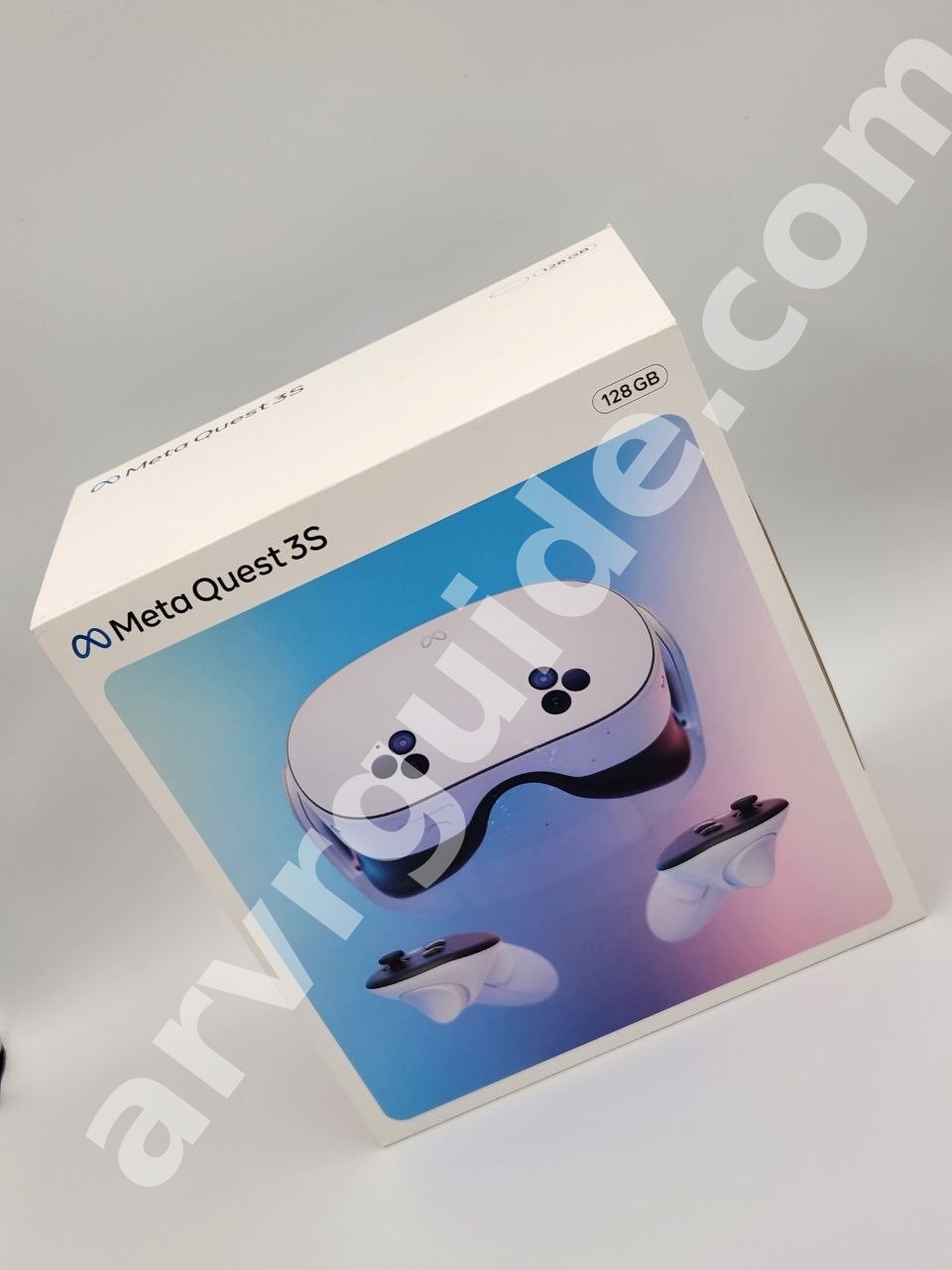
What’s in the Quest 3S Box
The box is not big, and that’s the first honest thing to know: this is a full VR setup in one package. Here’s what comes out of it:
- The Quest 3S headset itself
- Two Touch Plus controllers, one for each hand
- A charging cable and power adapter
- A Start Here card with setup steps
- The safety and warranty booklet
- A card about prescription lens inserts
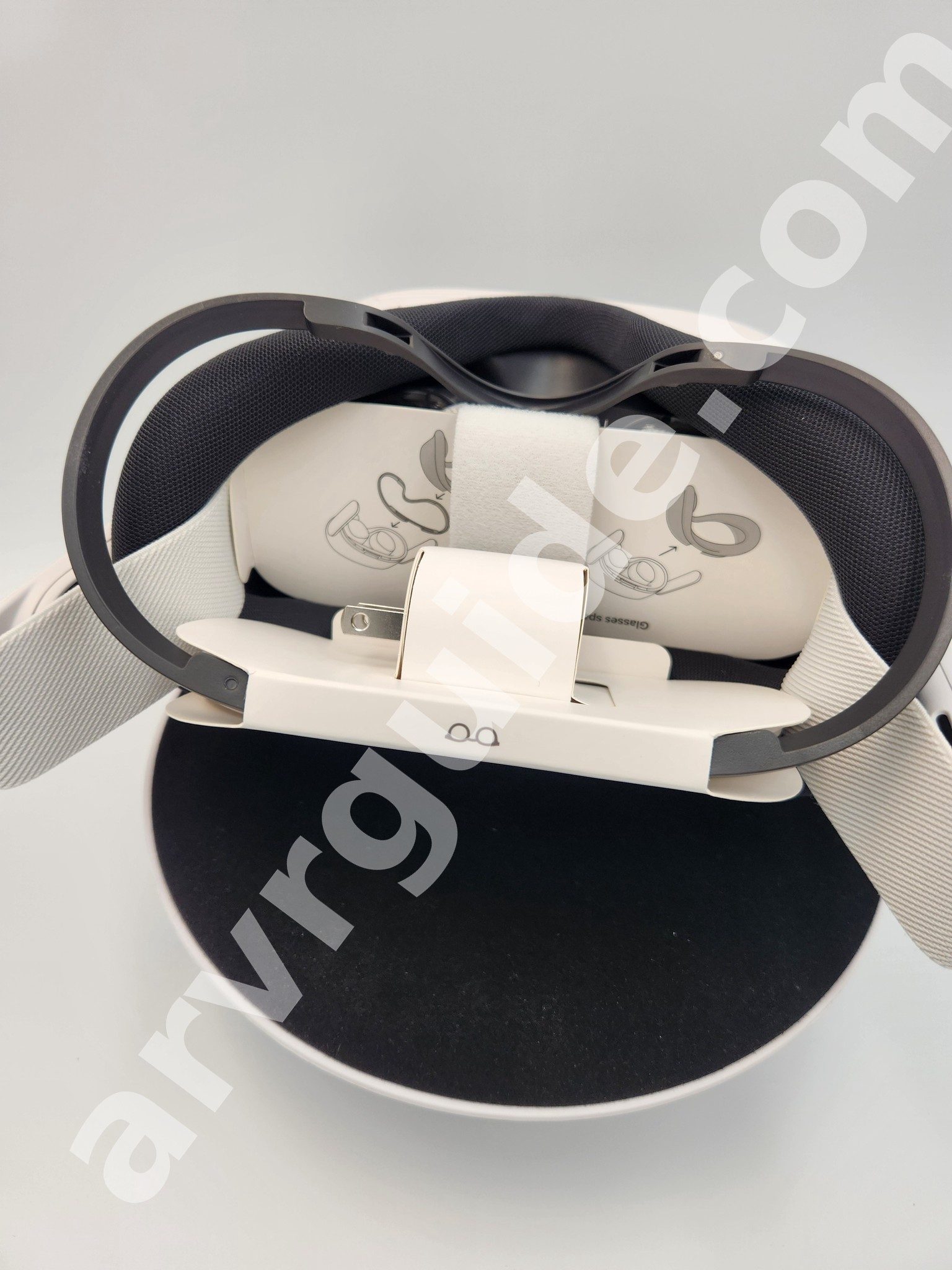
- A glasses spacer that holds your glasses a little further from the lenses
Our box is the 128GB version, the cheaper of the two storage sizes. That’s plenty of room for a serious game library, and you can always manage storage by removing games you’re done with.
The Headset Itself
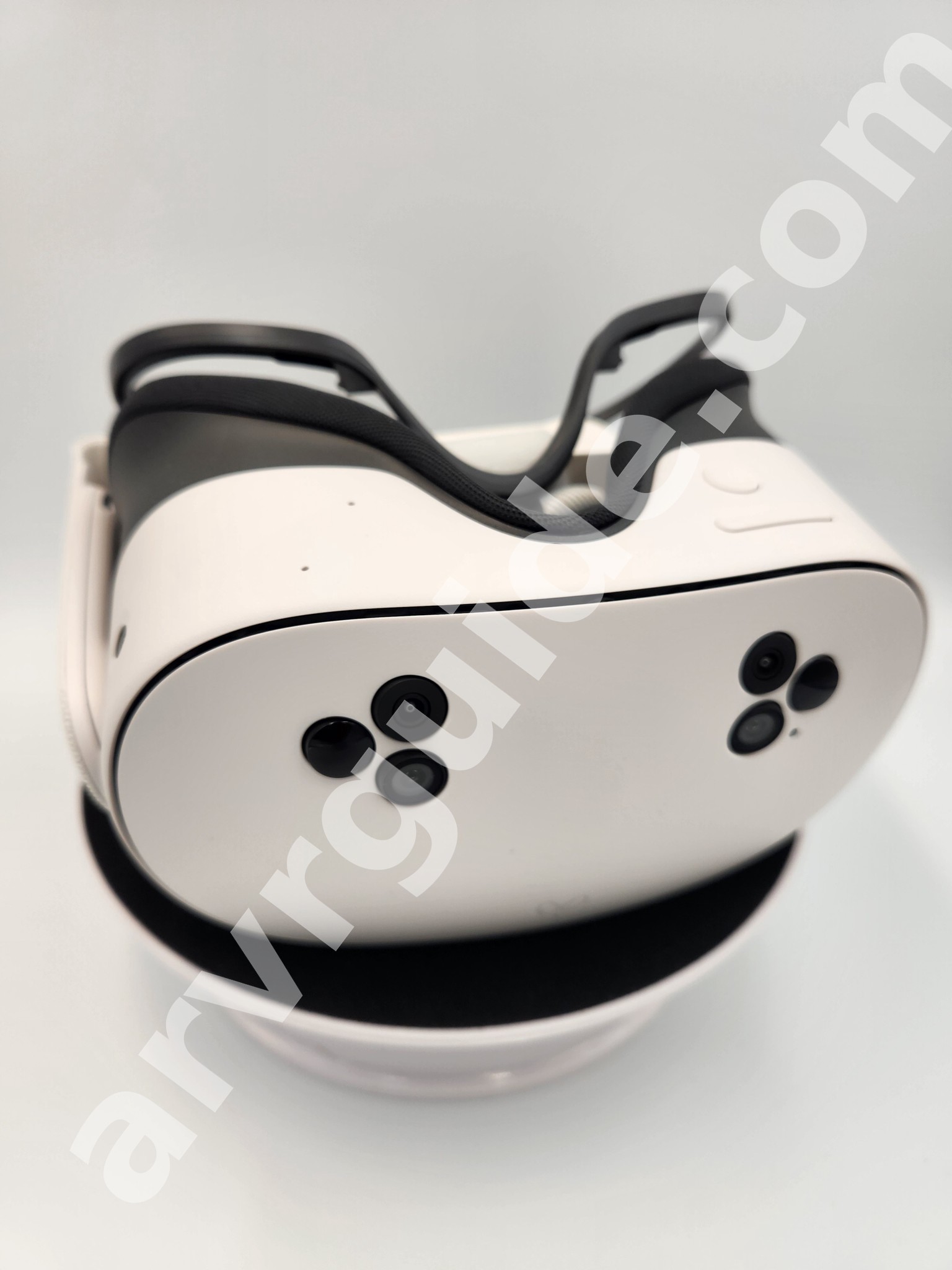
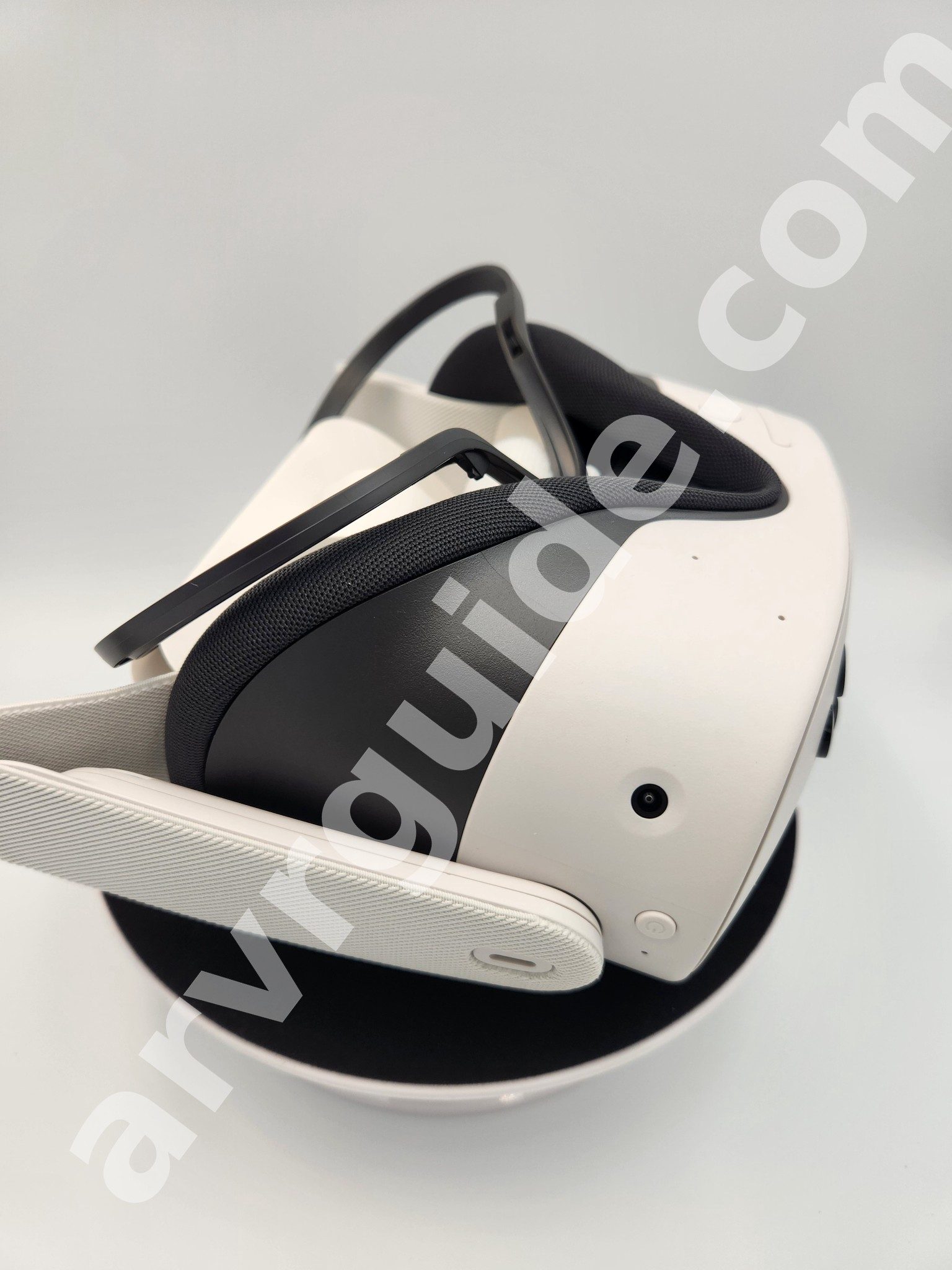
The 3S looks familiar on purpose: it’s shaped a lot like the Quest 2, because Meta reused the comfortable, lightweight design and spent the money on what’s inside. Under the hood it runs the same processor as the Quest 3, so the game library is exactly the same. You’re not buying a slowed-down version of the store. What you give up for the lower price is mostly the lenses and some of the finish, and for most buyers that’s a fair trade.
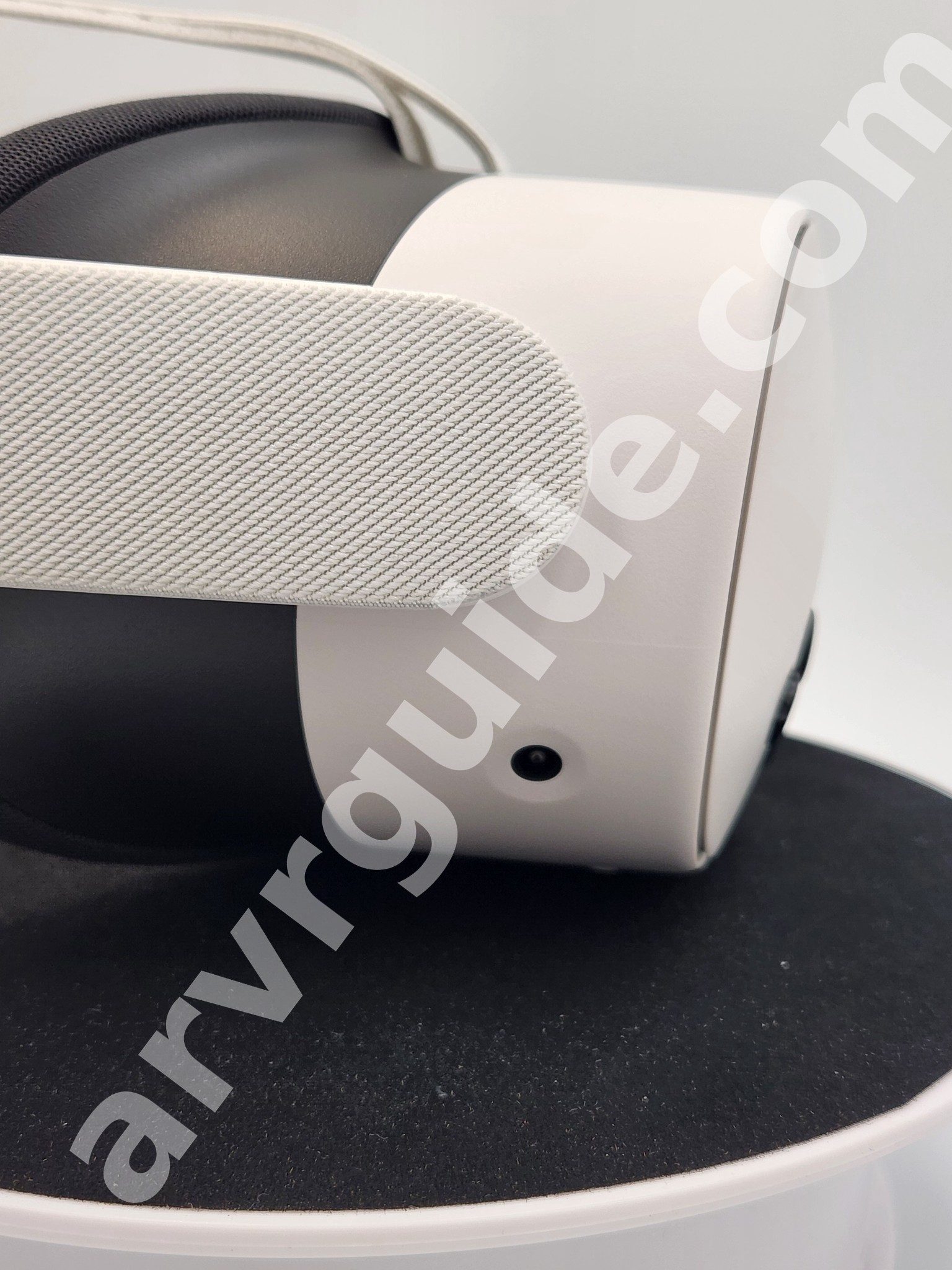
Around the headset you’ll find the charging port and a headphone jack on the side, and a small wheel underneath that sets the distance between the lenses for your eyes. That wheel matters more than people expect: set it right and the picture snaps into focus, set it wrong and everything looks soft.

The Touch Plus Controllers
The two controllers in the box are the Touch Plus pair, the same style the Quest 3 ships with. They don’t have the big tracking rings the older Quest 2 controllers had, so they feel smaller in the hand, and the cameras on the headset do the tracking. Meta made it easy here: both controllers arrive with their batteries already installed, and a small plastic tab sits over each battery contact. Pull the tab out of each one and they wake right up, no batteries to hunt for and no covers to pry off.
The Head Strap (and Why Most People Upgrade It)
Out of the box, the Quest 3S wears a soft fabric strap that tightens with velcro. It works, it’s light, and it packs down small. But if you play longer sessions, most people end up wanting something that spreads the weight better and doesn’t squeeze the top of the head.

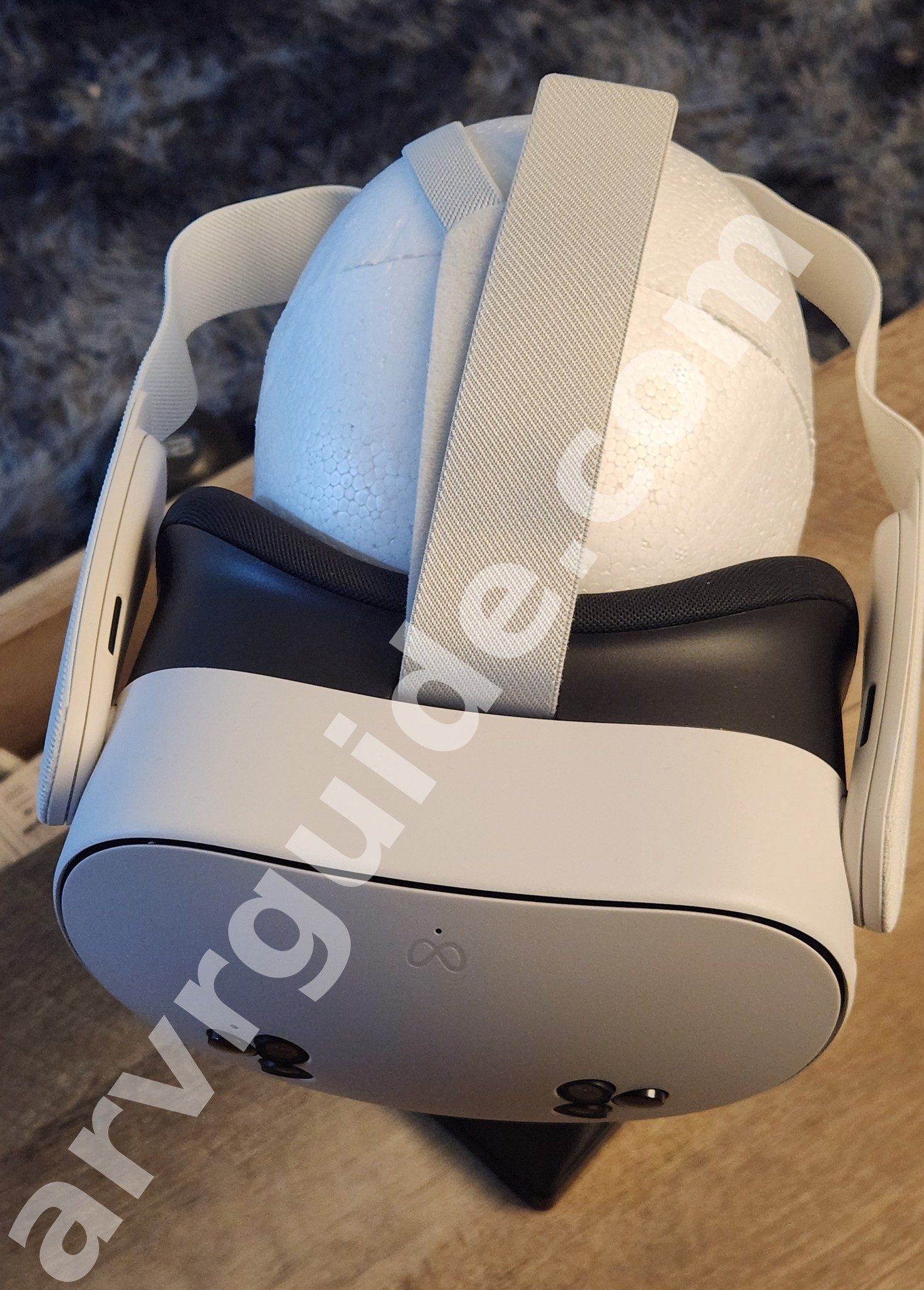
That’s the one upgrade we made right away: a KIWI H4 Boost battery strap, which rides on top of the head instead of squeezing and carries its own battery so the headset plays longer. We wrote a full hands-on review of it here: KIWI Design H4 Boost Battery Halo Strap Review.
The Cards and Booklets
Three paper pieces come in the box, and two of them are worth a real look:
- The Start Here card walks you through first setup in four steps.
- The safety and warranty booklet covers the rules you actually need, like taking breaks and clearing your play space.
- The prescription lens insert card is the one glasses wearers care about. You can wear most glasses inside the headset, but inserts made for your prescription are more comfortable, and the card points you to how that works.


Before You Plug It In
One rule above all the others, and it’s the one we learned the hard way: charge the unit first, before you do anything else. Don’t pair it, don’t update it, don’t play with the menus. Put it on the charger first and let it fill up. A headset that starts its first setup on a half charge is how you end up sitting through a restart you didn’t need.
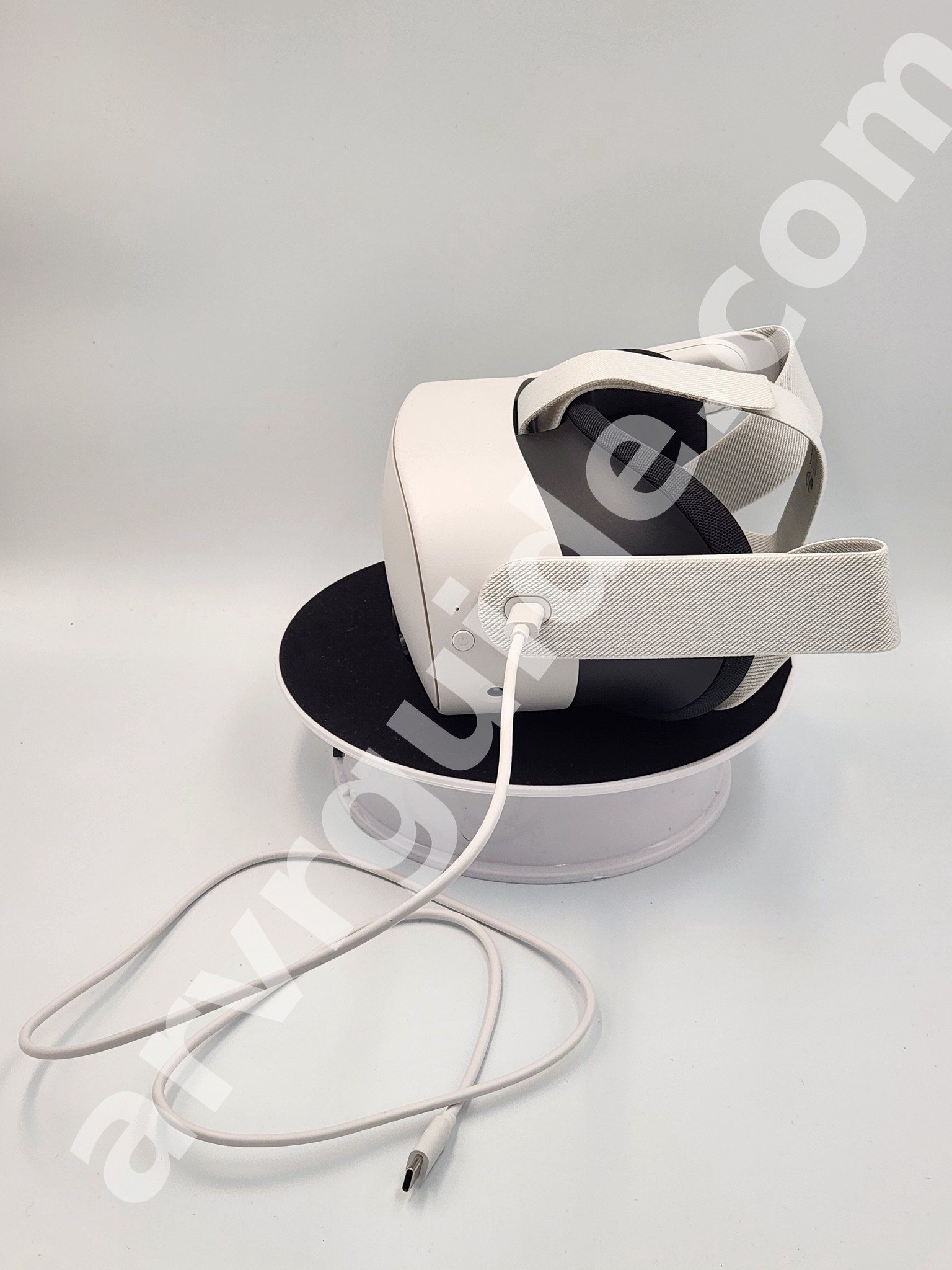
After it’s charged, setup needs three things you already have: the Meta Horizon app on your phone, a Wi-Fi connection, and a bit of clear floor. The app walks you through pairing, signing in, and drawing your play boundary. Give yourself about 15 minutes and keep the headset on the charger while you do it.

What We Thought Opening It
The short version: nothing you need was left out of the box. Headset, controllers, power, and instructions all in one package, and the first game you play can be a free download. If this is your first headset, that matters, because the real cost of VR isn’t just the box on the shelf.
Quest 3S Unboxing Questions
Does the Quest 3S come with controllers?
Yes. Both Touch Plus controllers are in the box, and their batteries come installed already, so you just pull the plastic tab on each one and they’re ready.
Do you need a PC or a phone for the Quest 3S?
You need a phone for setup, and a Wi-Fi connection. After that it runs everything on its own, no PC required.
Can you wear glasses in the Quest 3S?
Most glasses fit inside, and prescription lens inserts are an option the box card explains.
Should I charge it before setting it up?
Yes, and make it a rule: charge first, set up second. Everything goes smoother when the headset starts at full battery.
How much does the Quest 3S cost?
The 128GB version we unboxed here is the entry point of the two Quest 3S sizes. We keep the current price on our buy link: check today’s Quest 3S price at Best Buy · on Amazon.
More in this topic: Meta Quest 3S Review (2026): What It’s Really Like After Real Head Time, How to Set Up Your Quest 3S: A First-Timer’s Step-by-Step Guide