ARVR Guide is reader-supported. When you buy through links on our site, we may earn an affiliate commission.
A VR headset is at the top of a lot of Christmas wish lists this year. Picking one for a kid is easier than it looks: there are really only two serious choices, a short list of things to skip, and a few settings to handle before the first session. This guide walks through all of it.
The quick answer
| Pick | Headset | Price | Where |
|---|---|---|---|
| Best overall for kids | Meta Quest 3S (128GB) | $349 | Amazon |
| Best for the whole family | Meta Quest 3 (512GB) | $599 | Amazon |
| Skip it for a kid | PlayStation VR2 and PC VR | — | — |

Best overall for kids: Meta Quest 3S (128GB), around $349. Cheapest full headset in the store, biggest game library, best parental controls. If the kid is using it themselves, this is the one.
Best if the whole family will use it: Meta Quest 3 (512GB), around $599. Better lenses mean a sharper picture edge to edge, which matters when three people take turns.
What to skip for a kid: PlayStation VR2 and anything PC-powered. PSVR2 needs a PlayStation 5 and it’s rated for ages 12 and up. PC VR needs a gaming computer with an RTX 3060 or better, which can cost more than the headset.
What age should a kid start VR?
Meta lowered its minimum age from 13 to 10 in 2024, and now runs supervised accounts for the 10-to-12 crowd with parental controls built in. Sony rates the PlayStation VR2 for 12 and up. Most other makers stick with 13 or older.
The practical version: ages 10 and up on a Quest 3S with a parent-managed account is the mainstream path. Younger kids do use headsets with a parent watching, but there’s no headset made for them, so the fit and the safety settings are all on you.
Is VR safe for kids?
This is the question every parent asks first, so it gets a straight answer.
Session length: parents who’ve been through it keep sessions to 20 or 30 minutes for kids under 12, then a break. Short sessions stop most of the problems before they start.
Motion sickness: nausea, dizziness, or a headache means the session ends. Some games cause it more than others; start with stationary games, not racing or flying ones. We have a full guide on VR motion sickness coming that covers the signs and what helps.
Fit and weight: most headsets are sized for adult heads. Kids have smaller heads, and the headset’s weight is carried up front on the face, so after a while it gets sore and the kid just stops wanting to wear it. A loose fit also makes the picture blurry. The fix for both is in the strap, below.
The screen itself: there’s no evidence VR screens damage kids’ eyes at the distances used in headsets, but close-up eye strain is real with long sessions. The 20-minute rule covers it.
Parental controls: about 10 minutes of setup
Meta’s parental controls are the most developed in VR, and setting them up before the first session is worth it. You do most of it from the Meta Quest app on your phone:
- Create a Meta family account and add your kid’s account as supervised.
- From the app you can approve which apps and games they install, see their screen time, and set a passcode for purchases.
- Turn on the age limits so games rated for older teens don’t show up in their store.
Do it Christmas Eve, not Christmas morning. Ten minutes of setup the night before beats a kid standing in a room with a working headset and a parent reading a settings menu.
Which one to buy
Meta Quest 3S (128GB or 256GB)
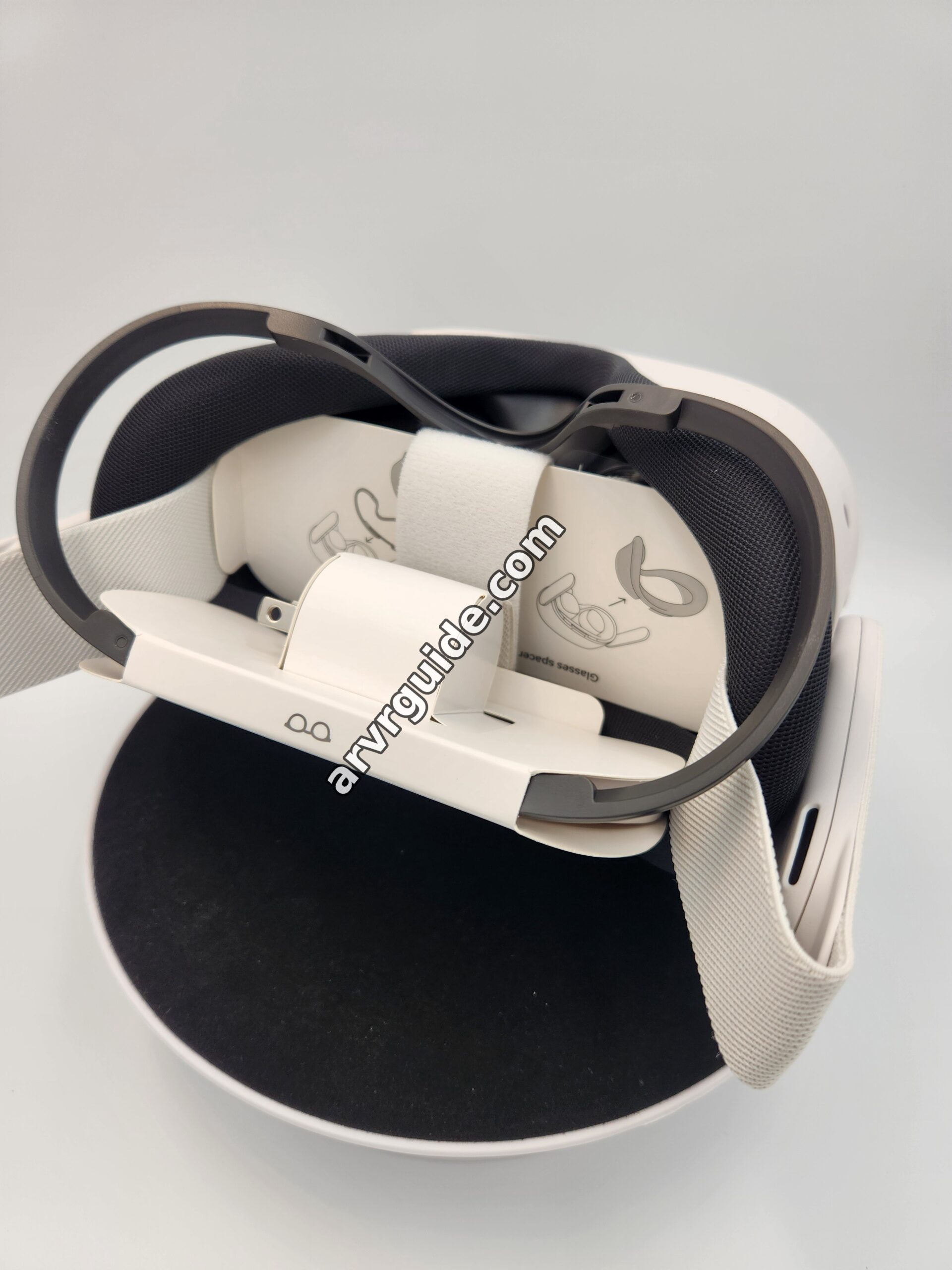
The 3S is the budget version of the Quest line. It uses older-style lenses, so the picture is sharpest in the center of your view, and most kids never notice. Every game works on it, it runs without a computer, and at $349 it leaves room in the budget for the accessories that actually matter (our full Quest 3S review covers the details). We’re watching the price for Black Friday and will update this if it drops.
Meta Quest 3 (512GB)
The step up. Better lenses, sharper picture edge to edge, and a little more comfortable. Worth it if parents and older siblings will take turns, because shared headsets need to feel good on every head. At $599 it’s roughly the price of a game console.
PlayStation VR2
Great hardware, wrong audience for a kid purchase: it needs a PlayStation 5 (sold separately, around $500 on its own) and it’s rated 12+. If you already have a PS5 and a teenager, look again. For a 10-year-old’s first headset, it’s not the pick.
PC VR headsets
The best picture quality in VR, and the worst fit for a kid. They need a gaming PC with an RTX 3060 or better graphics card, which is a $700-plus computer. Unless the household already has one, skip.
What to buy alongside the headset
A better head strap, first. Kids have smaller heads, and the stock strap is front-heavy: after 20 or 30 minutes the whole weight sits on their face and it gets sore. The KIWI H4 Boost Halo strap (about $80) is the one to buy with the 3S. It sits on top of the head with cushions and spreads the weight around the whole head instead of pressing on the face, and it carries its own battery so game time roughly doubles. It’s above the $50 mark, but for a kid it’s the difference between playing for an hour and taking it off in 20 minutes. (Our H4 Boost review has the long version.)
Controller grips. Rubber sleeves that keep the controllers from flying out of small hands. Most run $15 to $25 for a pair. A good pair on Amazon.
A lens protector and a case. Protects the lenses in storage and on the shelf between sessions. Around $15 to $30. Lens protectors on Amazon.
The Christmas timing note
Headsets go on sale around Black Friday and the deals usually run through Cyber Monday. If you’re buying this month, check the price before you pay full amount. We’ll keep this page updated with the current prices as they change.
Bottom line
For most kids the Quest 3S is the right first headset. Set up the supervised account before the first session, keep sessions short, and make the H4 strap the first accessory, because comfort is what keeps a kid playing.
More in this topic: VR for Kids: What Age to Start, Which Games, and How to Set It Up Safe, Best VR Headset for Kids (2026): What I’d Buy at Every Age