Disclosure: arvrguide.com may earn a commission if you buy through links on this page, at no extra cost to you. We only recommend gear we’d buy with our own money.
Short answer: yes. Roblox runs on Meta’s Quest headsets as an official free app from the Meta Store, and it’s become one of the first things kids ask to try the moment a headset enters the house. Here’s what parents should actually know before handing it over.
Where to start: Roblox is a free download on the Meta Store — you just need a headset first. The one most families buy for kids is the Quest 3S: check the Quest 3S price at the Meta store (our full Quest 3S review).
How Roblox works on a headset
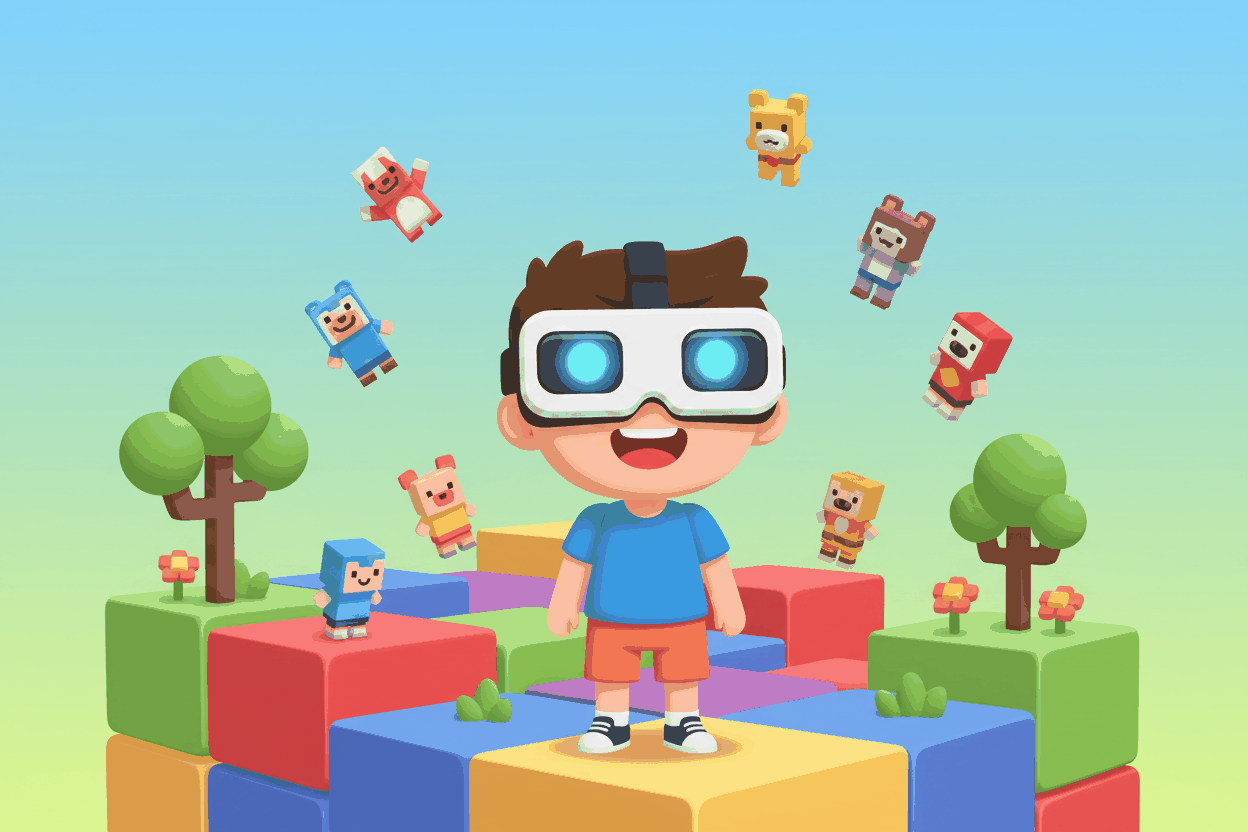
Roblox on Quest is the same idea as the version your kid plays on a phone or tablet: a giant catalog of player-made experiences, logged into with the same Roblox account, friends list and all. The big difference is you’re standing inside the ones built for VR instead of poking at a screen.
One honest note: not every Roblox experience you know from the phone version shows up the same way in VR. The headset version supports a growing slice of the catalog, and it plays differently on purpose, because you’re in it. If your kid has a favorite experience, the quickest check is whether it has a VR version before you promise them anything.
What parents need to set up first
Quest requires a parent-managed account for kids under 13 (Meta’s minimum age is 10), which means you approve what gets downloaded before it lands on the headset. Set that up through Meta’s Family Center before day one, and Roblox becomes something you handed over on purpose, not something that appeared. Our VR for Kids guide walks through the whole setup.
The chat question
The thing to know about Roblox in any form is that it’s social: chat is part of the product. On a parent-managed account, communication starts restricted by default, and you can keep it that way. The headset’s own controls sit on top, so a kid can’t wander past what you approved. If your kid plays with school friends, you can allow exactly those people. If you’d rather keep strangers out entirely, that setting exists and it’s one toggle.
What it’s actually like in VR
Kids love it, which is the headline. The catch parents care about: VR sessions feel shorter than they are, because being inside a world is more absorbing than watching one. That’s exactly why we’d set a time limit in the Family Center before the first session instead of after the tenth one. Break reminders do the nagging so you don’t have to.
The bottom line: Roblox on Quest is free, official and kid-friendly enough to hand over, as long as the parent account is set up first and the chat settings get one honest look. It’s also the cheapest “new game” your kid will ever get: the game costs nothing, the headset is the investment.
More from us: the best VR games for kids and the best VR headsets for kids.
More in this topic: Best VR Games for Kids (2026): The Ones Parents Approve, Is Gorilla Tag Safe for Kids? What Parents Should Know